Catch formula errors, compare versions, and get sign-off with comments, right inside Excel. Gridbox keeps the data behind your models clean and traceable.
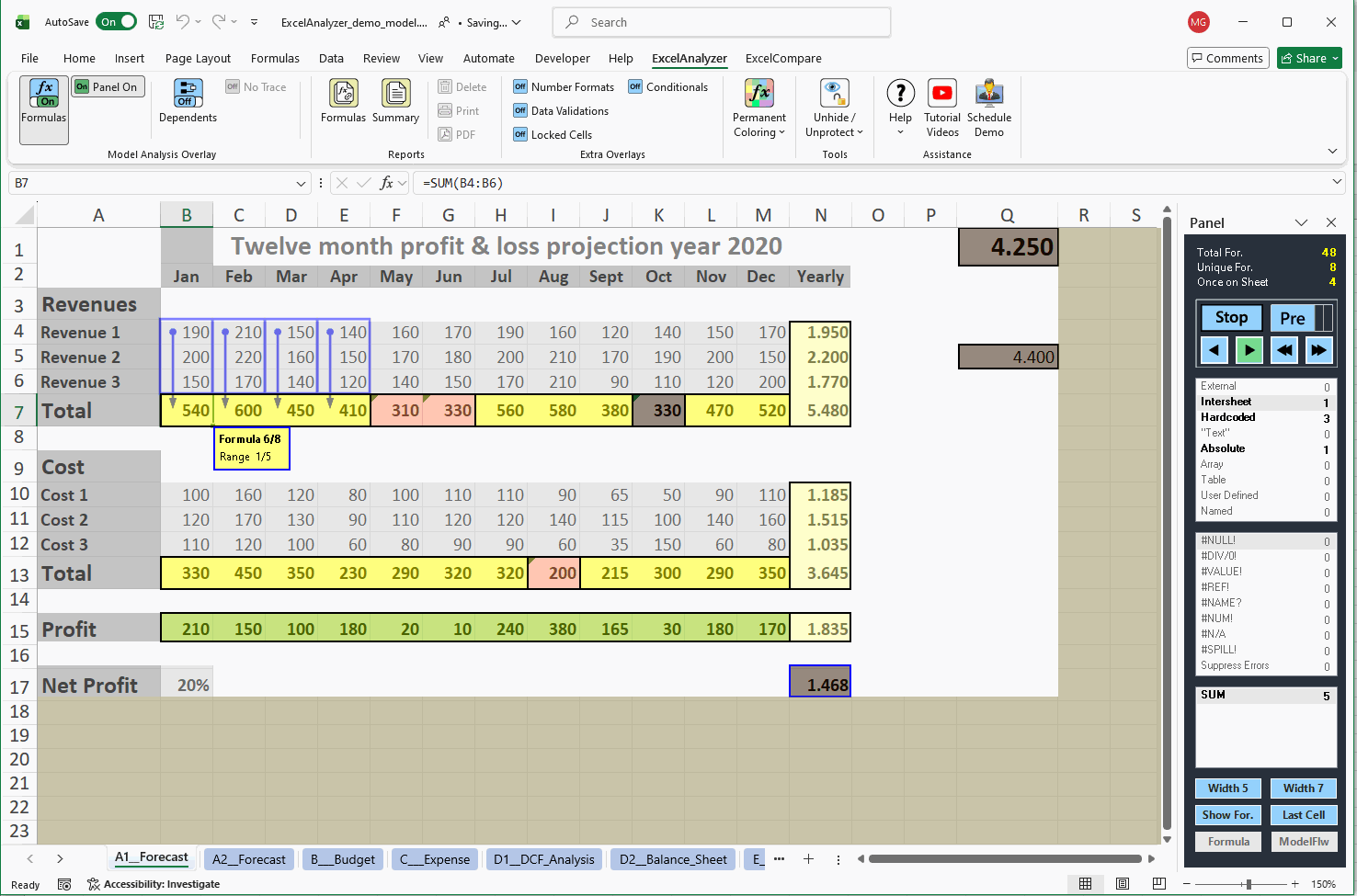
Live Overlays instantly color formula errors and risks across the whole sheet, without ever changing your workbook. Excel auditing and spreadsheet model review, made visual.
Compares formulas, values, and text cells in two workbooks, highlighting differences, then generates a detailed report for side-by-side version control.
Gridbox isn’t an Excel add-in. It’s a state-of-the-art app for structured data management, governance, enrichment, master data and LLM dataset curation, deployed in your own environment or as SaaS, before your data ever reaches Excel or Power BI.
Centralizes governance & master data across every spreadsheet
Enriches & curates data, including datasets for LLMs
Speed-to-Trust: checking AI-built models live and post-build
Fri, Nov 13, 2026 · 12:00 AM GMT+1 (1 hour) · online
AI can build a model in minutes, but trusting it still takes a human review. See how ExcelAnalyzer and Claude turn that review into a scored benchmark and a costed fix list.
Check AI-built models live with ExcelAnalyzer's overlay
Benchmark a model with Claude against 175 best-practice criteria
Lance RubinFounder & CEO, Model Citizn and EXL Cloud. Financial modelling expert (PwC, KPMG, NAB, Investec)
Maarten BessemsFounder & CEO, Spreadsheetsoftware, the team behind ExcelAnalyzer
For more than 14 years
Our Global Customers
Continuous improvement and collaboration with clients have made our add-ins the most accurate and best-performing tools in the market, endorsed by leading corporations across industries like finance, healthcare, technology, and education.